
How To Choose The Master Clock System For Your Building in Singapore
Why do security logs, CCTV cameras, and wall clocks in the exact same building always seem to live in different time zones?
Most people never think about building time synchronization until something actually goes wrong. A door log and a camera log tell completely different stories during an incident review, or a scheduled system bell rings at the wrong minute. It turns minor administrative headaches into total chaos.
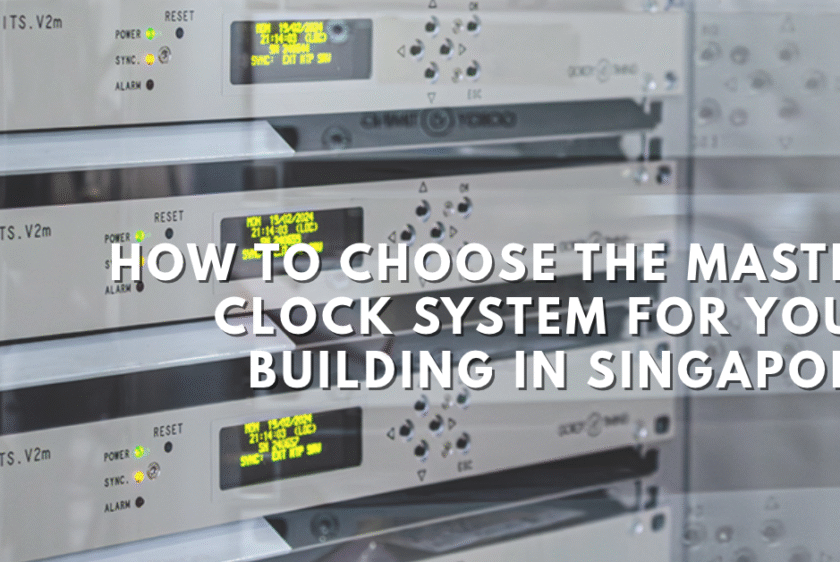
A master clock system fixes that for every clock making the whole building one trusted source of time. The master sends time updates to them at regular intervals. Each secondary clocks or slave clock, corrects itself when an update arrives, so drift never builds up.
The master clock takes its own time from a trusted source like GNSS satellites or an NTP time server. Most modern systems connect over the building network. With Power over Ethernet, one network cable carries both power and time updates to each clock so a power point behind every clock is not needed. Where cabling is hard to run, a wireless clock can fill the gap.
The clock configuration happens once, at the master. You set the time zone, display format and schedules in one place. Every slave clock follows. Nobody walks the building changing clocks by hand.
Master Clock Receive Time from UTC, GNSS Satellites and Atomic Clocks
Every master clock needs a reference from the one shared standard everyone is using around the world called Coordinated Universal Time, or UTC.
Atomic clocks in labs around the world generate UTC by counting the steady vibrations of atoms. GNSS satellites (like GPS) carry these atomic clocks and broadcast the timing signals down to Earth. An antenna on your roof catches these signals, and the master clock translates them into the exact time.

What a Master Clock Does When the Time Source Signal Disappears
What happens when satellite signals fail or network links go down? A good master clock keeps right on working.
It enters holdover mode, using an internal oscillator to keep feeding accurate time to all the slave clocks. Better oscillators mean less drift while waiting, so always check the spec sheet to see how long it can hold steady. After a power cut, a smart system just corrects itself automatically the second power returns.
Wall clocks are only part of the job anymore. The exact same master device also acts as a time server for your entire building network. CCTV cameras, door access logs, and IT servers all sync to it using NTP, which is why your security cameras and door logs finally tell the exact same story. Standard NTP keeps things accurate within milliseconds, but if you run a trading floor or industrial plant needing microsecond precision, just look for a model that supports PTP.
Did you know? Depending on the model, a master clock can also run bells, heating and air conditioning on a schedule. It can drive count up and count down displays too, such as elapsed time timers in operating theatres.
Five Questions to Ask Before You Buy a Master Clock System
- Where does it get its time, and what is the backup?
- How long can it hold accurate time with no signal?
- How do the slave clocks connect: network cable, Power over Ethernet or wireless?
- Can the same device act as a time server for CCTV, access control and servers?
- What stops one wrong time from reaching every clock at once?
A master clock system is easy to ignore while it works. Everyone notices the day it does not. If you are planning a new fit out or replacing old clocks, start with the time source and not the clock faces.
